
Sell With Privacy
Honcho lets you sell your photos publicly while protecting everyone’s privacy. This is done by blurring the photos in your gallery—customers can view and buy only their own photos, found using face recognition.
Blur the photos in your gallery
- In the album page, tap on the More icon and select Settings.

- Tap on Privacy.

- Tap on the toggle button beside Blur photos in the gallery for privacy.

- Tap on Save.
Customer experience
When customers open the gallery, all photos are blurred by default. They’ll be prompted to upload a selfie—either by taking one with their device’s camera or choosing an existing photo.
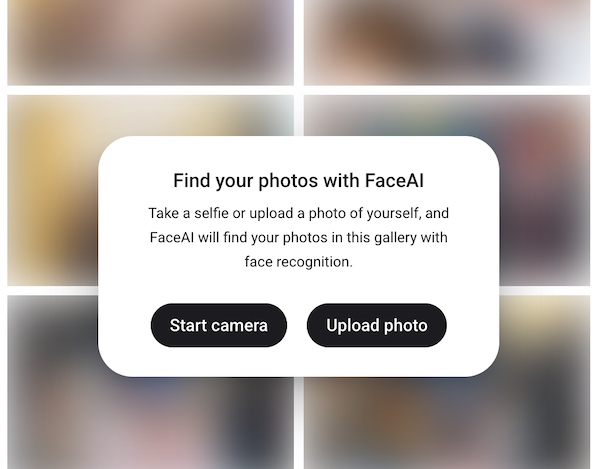
Once uploaded, Honcho automatically finds their matching photos. Customers can then view and purchase only those photos.
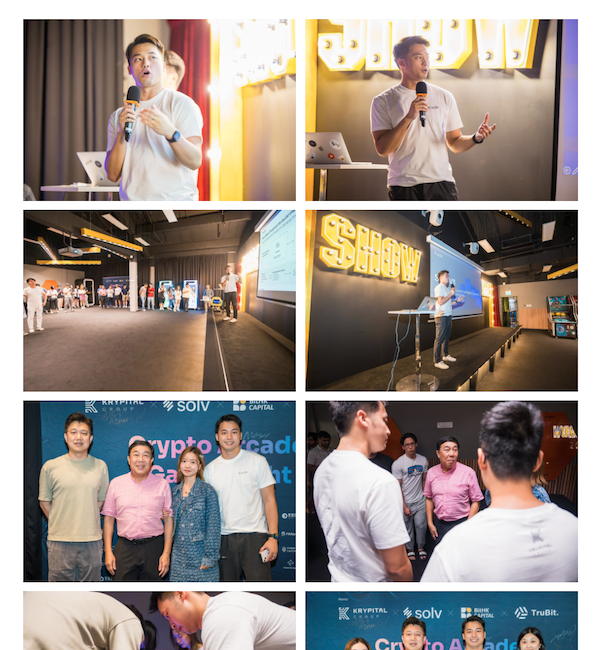
Note: If you’re selling All photos with blurring enabled, this refers to all photos of that customer found using face recognition, not all photos in the gallery.